Increase Image Size KB & MB Online
Drag & Drop Image Here or Click to Select
Success! Image Size Increased
File saved with exact size as requested
Complete Guide to Image Size Increasing
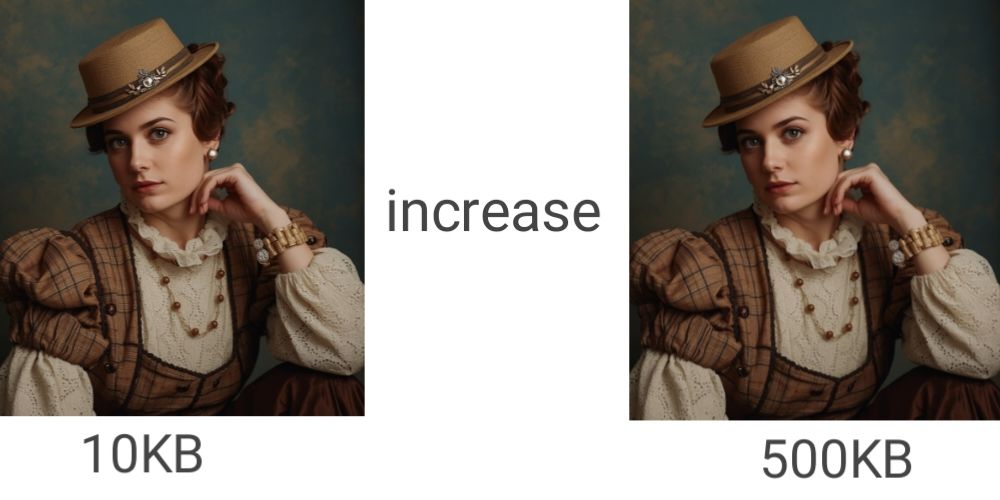
Image file size requirements are common in government forms, job applications, educational portals, and professional platforms. Many times, images are rejected simply because their file size is too small. Our Image Size Increaser tool is designed to solve this exact problem by allowing you to increase image size to a specific target without noticeable quality loss.
Unlike basic editors, this tool focuses on accuracy. You can increase an image from a few kilobytes to several megabytes while keeping the image clear and usable. Everything works directly in your browser, so your files remain private and secure.
How to Use the Tool
1. Upload your image (JPG, PNG, WebP supported)
2. Enter the target file size in KB or MB
3. Click the increase button and wait a few seconds
4. Download the resized image instantly
Most images are processed within 1–2 seconds, depending on size and device performance.
Why You May Need to Increase Image Size
Many official platforms require images within a fixed size range. Passport, Aadhaar, PAN card, university forms, and job portals often reject images that do not meet minimum size rules. Increasing image size helps you meet these requirements without re-taking photos.
This is also useful for professional profiles, document uploads, and print-ready files where higher file sizes are recommended for better clarity.
Government Applications
Passport, visa, and ID applications often require specific minimum file sizes (50KB-200KB).
Educational Forms
University admissions and scholarship forms frequently specify minimum image sizes.
Job Applications
Professional portals often require profile pictures within specific size ranges.
Documentation
Various official documents need images meeting exact size requirements.
How the Image Size Increaser Works
The tool intelligently adjusts image parameters such as quality settings, compression levels, and internal structure to increase file size. When required, minor dimension adjustments are applied while maintaining the original aspect ratio.
The goal is not to add visual noise, but to reach the required file size in a clean and optimized way. The final image matches your target size with high accuracy.
Privacy and Security
All processing happens locally in your browser. Images are never uploaded, stored, or shared. Once you leave the page, your data is automatically cleared.
Best Use Cases
This tool is ideal for government documents, student applications, job portals, professional profiles, and any platform that enforces strict image size limits.
If you need an exact file size quickly and safely, this Image Size Increaser provides a simple and reliable solution.
Frequently Asked Questions
Q: Is the file size increase accurate?
A: Yes, results are usually within 98–100% accuracy.
Q: Will image quality be reduced?
A: No visible quality loss occurs in normal usage.
Q: What is the maximum size supported?
A: Images can be increased up to 20MB.
Q: Is this tool free?
A: Yes, it is completely free with no limits..
Q: Are my images safe?
A: Yes, all processing happens in your browser.