Image Format Converter – Convert JPG, PNG & WebP.
Upload any image and convert it to your desired format with precision quality control.
Select image & drag/drop here
-
-
-
JPG Format:
Best for photos and web images. Uses lossy compression for smaller file sizes.
PNG format uses lossless compression. Quality setting is disabled for PNG.
Error!
Image Converted Successfully!
How to Use Image Format Converter:
Use our free Image Format Converter to convert images between JPG, PNG, and WebP formats instantly. This tool works directly in your browser, ensuring fast conversion, high quality output, and complete privacy. No uploads, no watermark, and no registration required.
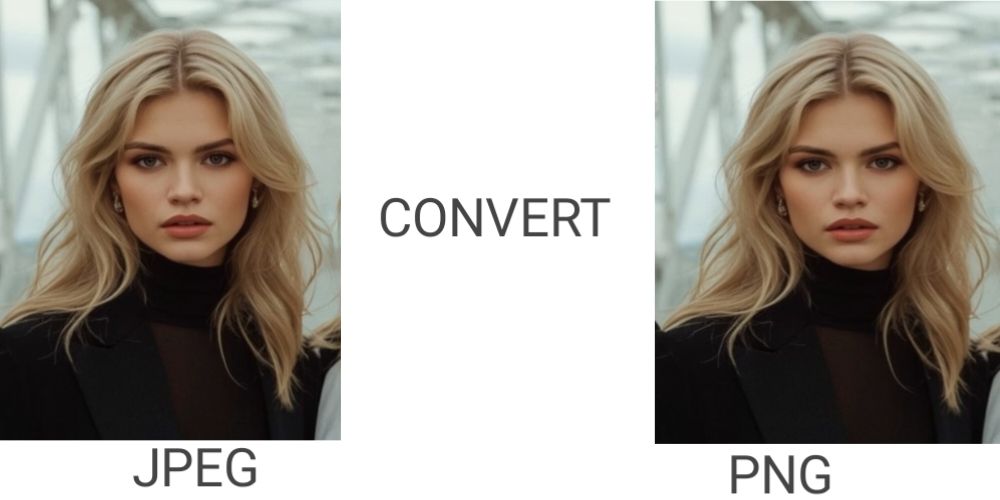
How to Convert Image Format
- Upload Your Image: Click the "Select Image" button or drag and drop your image tool supports JPG, JPEG, PNG, and WebP formats.
- Select the output format. choose your required format like JPEG & JPG & PNG & WebP.
- Adjust quality (if available). Increase your image quality 100% the best size
- Convert and Download: click your image and Download instantly and preview your Converted image.
Understanding Image Formats Deep Dive
JPG/JPEG Format
- Lossy compression algorithm
- Best for photographs
- Smallest file sizes
- No transparency support
- Universal compatibility
- Quality adjustable 40-100%
PNG Format
- Lossless compression
- Perfect for graphics/text
- Transparency support
- Larger file sizes
- Excellent quality preservation
- Quality always 100%
WebP Format
- Modern compression technology
- Lossy or lossless options
- Superior compression rates
- Transparency support
- Growing browser support
- Future web standard
Why Use Our Image Format Converter?
- 100% browser-based – images never leave your device
- No watermark, no login required:
- Fast conversion using HTML5 Canvas
- Works on mobile, desktop, and tablets
- Supports offline usage after loading
Frequently Asked Questions
Is this image converter free?
Yes, this tool is completely free with no hidden limits.
Are my images uploaded to a server?
No. All processing happens locally in your browser.
Does converting images reduce quality?
You can control quality for JPG and WebP formats. PNG remains lossless.
Which format is best for websites?
WebP is recommended for modern websites due to better compression.